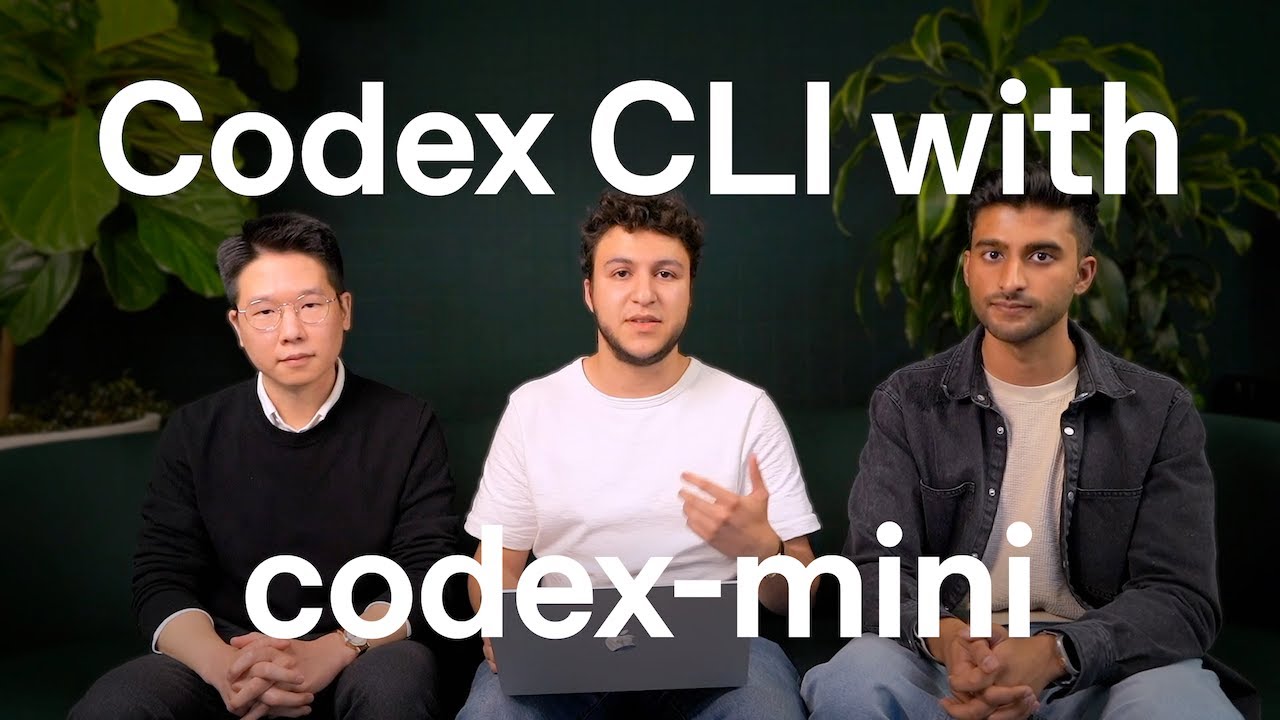
OpenAI has recently introduced exciting updates to the Codex CLI, including the integration of a new model called codex-mini, designed to facilitate low-latency code question and answer sessions and efficient code editing workflows. This blog post delves into the features, benefits, and practical usage of Codex CLI with the new codex-mini model, showcasing how this tool is transforming coding productivity for developers.
Codex CLI now allows users to sign in effortlessly using ChatGPT, enabling seamless authentication and API access for coding assistance directly from the terminal. The codex-mini is a fine-tuned version of the Codex model, optimized specifically for faster response times, making it ideal for interactive coding tasks such as codebase exploration, Q&A, and incremental editing.
What is Codex CLI and codex-mini?
Codex CLI is a command-line interface tool developed by OpenAI that integrates AI-powered coding capabilities directly into the developer’s terminal. It allows developers to ask questions about their code, make edits, and receive suggestions, all powered by AI models trained on vast amounts of source code.
The new codex-mini model is a 0.4 mini fine-tuned model created to offer low latency responses, enabling quick code Q&A and editing without compromising on instruction-following capabilities.
Key Features and Benefits
- Low Latency Performance: codex-mini responds swiftly, making interactive coding smoother.
- Enhanced Instruction Following: Improved understanding and execution of developer commands.
- Session Management: Ability to resume and view past coding sessions to maintain continuity.
- Efficient Codebase Exploration: Quickly ask questions and understand large codebases without manual reading.
- Integration with ChatGPT Sign-In: Secure and fast access using ChatGPT for authentication.
How Developers Use Codex CLI
Developers like Fouad, Hyung Won Chung, and Anup Krishnamraju from the OpenAI agents team use Codex CLI daily to streamline their workflows. By asking natural language questions directly in their terminal, they can explore codebases at speeds much faster than manual reading. This aids in clarifying problems and formulating more precise coding tasks.
For example, users can retrieve previously executed sessions, edit code with guided AI help, and finalize pull requests with confidence. This reduces manual overhead and allows developers to focus more on strategic task planning and quality assurance of AI-generated code.
Watch the Video Demo
Recommended Resources for Getting Started
- Ultimate RAG MCP Server for AI Coding – Learn more about building AI coding environments.
- AI Job Opportunities and Future Trends – Understand the evolving role of AI in software development careers.
- OpenAI Recruitment Tools – Explore AI-powered tools in recruitment and human resource management.
Related Articles on AI Development
- Ultimate RAG MCP Server for AI Coding
- ChatGPT Multiple Voices
- AI-Powered YouTube to WordPress Auto Blog with n8n
With Codex CLI and the new codex-mini model, OpenAI continues to empower developers with cutting-edge AI tools that help accelerate coding workflows and improve code quality. We encourage developers to explore these tools to enhance their productivity and unlock new possibilities in software development.